📲 Posting Videos With HiveKast
✅ Step 1: Receive Your Invitation
Anyone can view public HiveKast rounds using the web interface. However in order to post videos you have to use the HiveKast app (iOS Only). This app is currently invitation only. To join:
- You must be invited by a current member.
- Your invitation includes your email and a passcode.
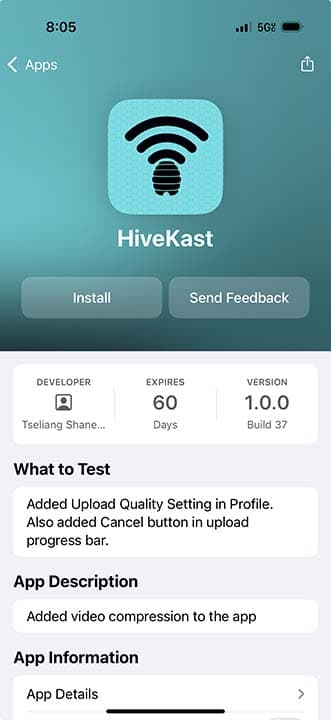
📥 Step 2: Install via TestFlight
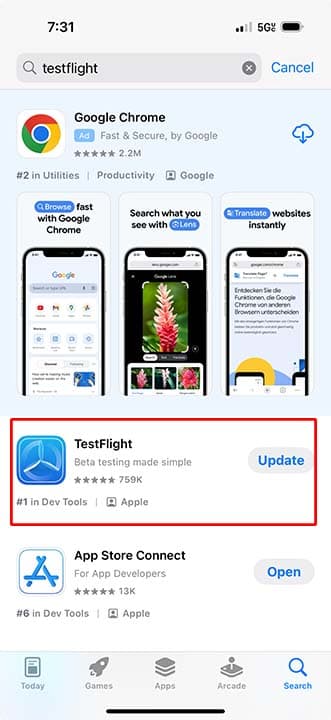
- Download the TestFlight app from the App Store.
- Join the beta by clicking here: https://testflight.apple.com/join/MYJPZFHS
- Tap Install to download the app.
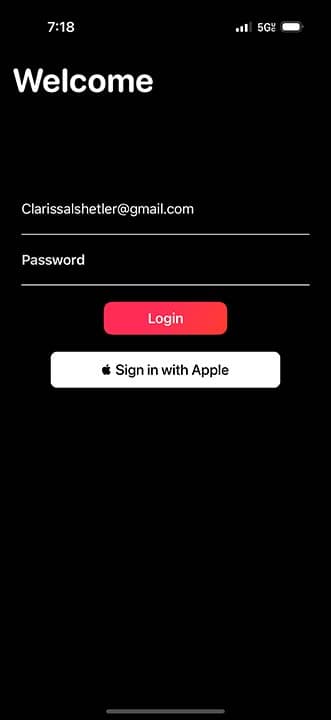
🔐 Step 3: Log In
Open the app and log in using your email and passcode.
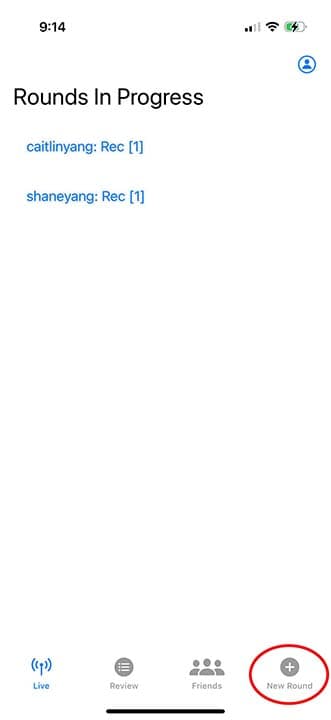
🏌️ Step 4: Start a New Round
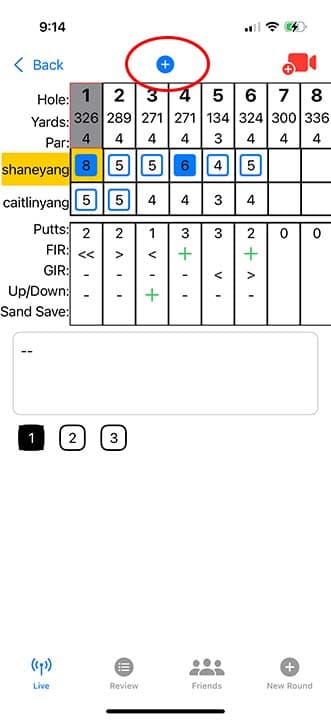
- Tap the + icon to start a round.
- Enter the following details:
- Player
- Event
- Round number
- Course
- Course tees
- Tap "Create New Round" to begin.

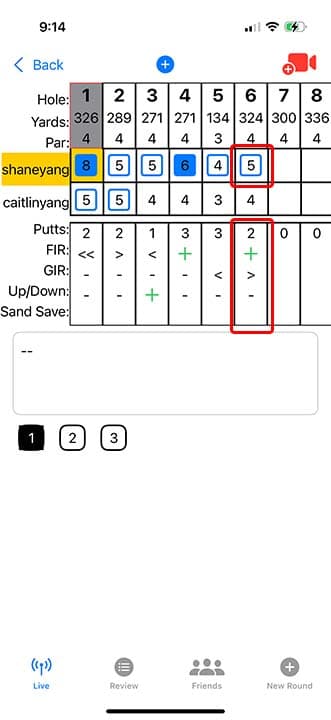
📝 Step 5: Score Your Round
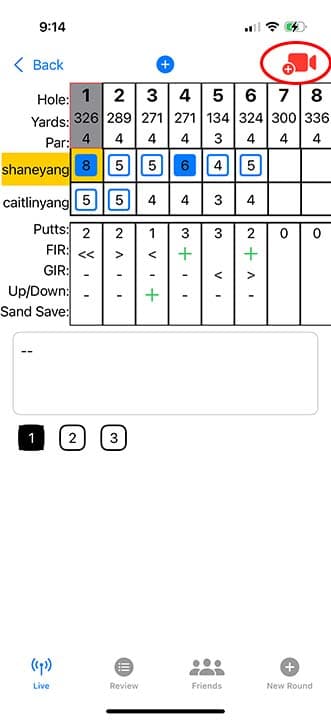
1. Tap on your round and select a score cell to enter your score and stats.
2. You can keep your own stats by tapping into the stats column
📹 Step 6: Upload a Video
- Ensure you're on the correct hole.
- Tap the camera icon in the top-right corner.
- Select a video from your photo roll.
⚠️ Make sure the video corresponds to the hole you're on!

🤝 Step 7: Invite Friends
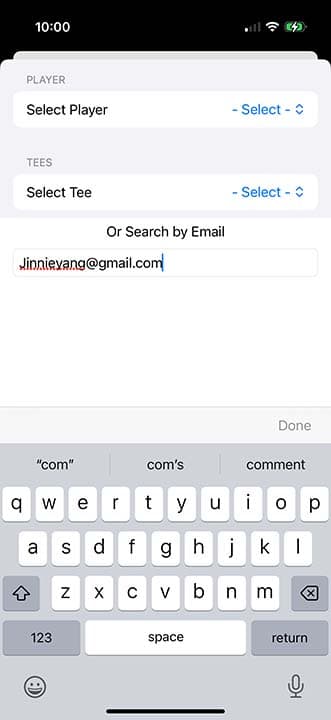
- Tap the "+" button to add friends to your round.
- Search for friends by email.
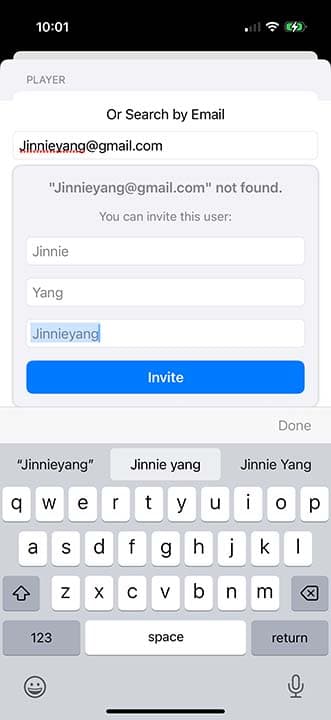
- If your friend is not found, you can send an invitation email to them.
- Send the invitation.